
Updated for 2026
PhilHealth Online Registration 2026 | The Complete Step-by-Step Guide
Registering online is free and takes about 15 minutes. Here are the exact eRegister steps, the PMRF explained, how to get your PhilHealth number, and how to check it if you already registered and forgot.

You are not alone if the words “PhilHealth online registration” make you brace for a confusing government website. The good news is that registering online is free and takes about fifteen minutes. The catch is that one wrong field, usually your name, can hold up your record for weeks. This guide makes sure that does not happen to you.
Below you get the exact eRegister steps, the PMRF explained in plain English, the requirements to have ready, how to get your PhilHealth number, and, just as important, how to check or recover your number if you already registered and forgot it. No jargon. No runaround.
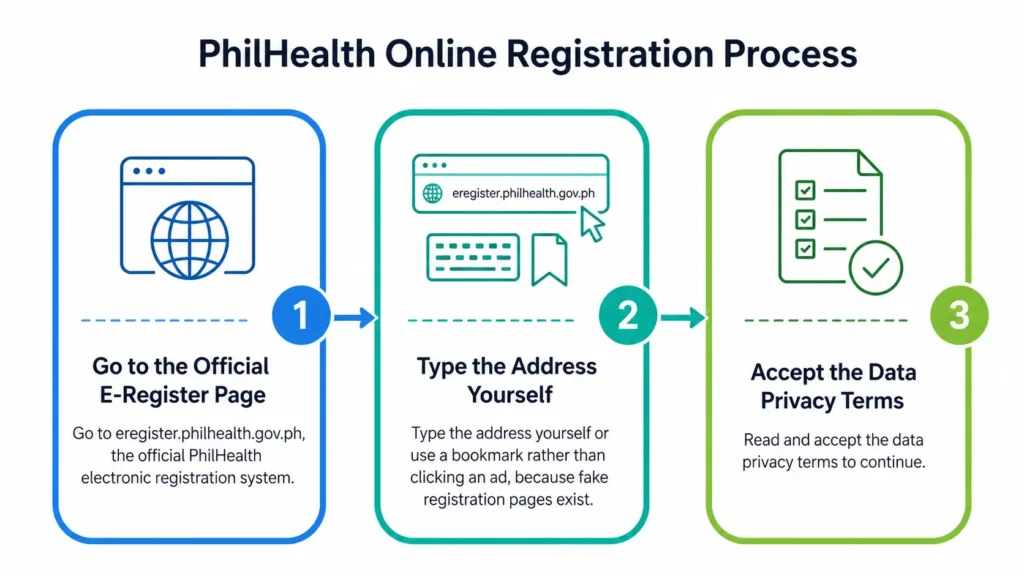
PhilHealth online registration is done through the electronic registration system at eregister.philhealth.gov.ph. You complete the PhilHealth Member Registration Form (PMRF), verify your email, and receive a permanent 12 digit PhilHealth Identification Number (PIN). Registration is free and takes roughly fifteen minutes.
What Is PhilHealth Online Registration?
PhilHealth online registration is the process of signing up as a member of the Philippine Health Insurance Corporation over the internet, instead of queuing at a Local Health Insurance Office. You submit your details through the official electronic registration system, and PhilHealth issues you a PhilHealth Identification Number that stays with you for life.
It helps to know there are two systems working together. The electronic registration system, eregister.philhealth.gov.ph, is where new members apply for a number. The Member Portal, memberinquiry.philhealth.gov.ph, is where you log in afterwards to view your record, check contributions and print your Member Data Record. Online registration is the doorway to both.
The whole point of doing it online is speed. You register from your phone or laptop, you do not lose a day of work to a queue, and in most cases your number is issued the moment you finish.
Who Can Register Online: Employed, Self-Employed, Voluntary and OFW
Membership is mandatory for every Filipino under Republic Act 11223, the Universal Health Care Act, so almost everyone can and should register. The online form adjusts to your category, and picking the right one matters because it decides how you pay later.
If you are a new member with no number yet, the sections below walk you through getting one. If you already have a number and just cannot remember it, skip ahead to the section on how to check your PhilHealth number.
Benefits of Registering for PhilHealth Online
Registering online is not just about avoiding a queue, although that alone is worth it. Here is what you actually gain.
Requirements Before You Register (2026 Checklist)
Have these ready before you start, because the form can time out if you go hunting for details halfway through.
Warning
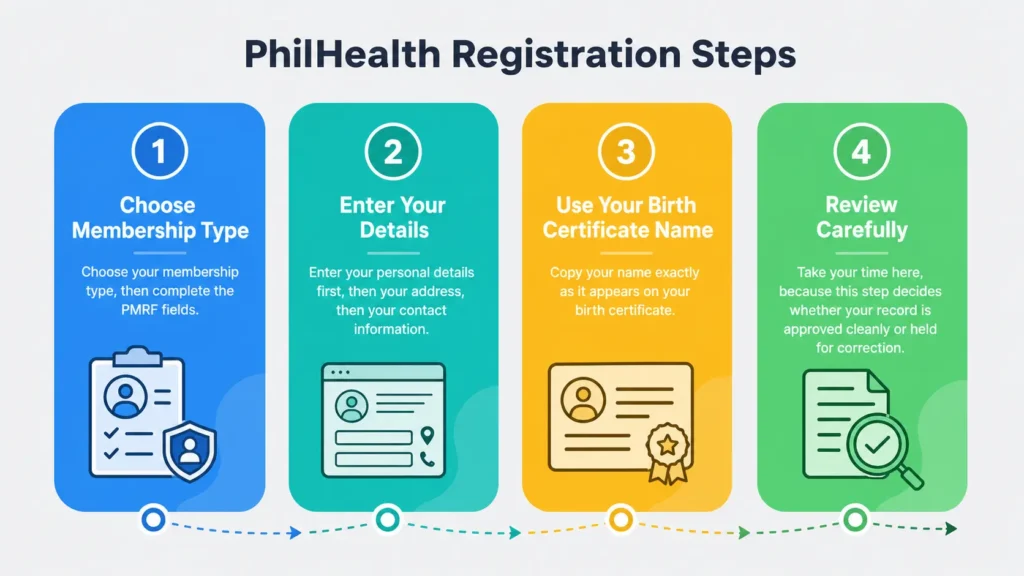
The single most common reason a registration stalls is a name that does not match your birth certificate, including a missing middle name or a suffix like Jr. Copy your name exactly, character for character, before you submit.
What Is the PMRF? The PhilHealth Member Registration Form Explained
The PMRF, or PhilHealth Member Registration Form, is the official form PhilHealth uses to create or update a member record. When you register online, the electronic system generates this form from the details you type, so the PhilHealth online registration form and the PMRF are the same thing filled out on screen.
You will see it written a few ways. PMRF, ePMRF, and PhilHealth Member Registration Form (PMRF) all point to the same document. The “e” in ePMRF simply means you completed it electronically rather than on paper. A “duly accomplished PMRF” means it is filled in, signed, and, where an employer is involved, attested by that employer.
The PMRF captures your personal details, contact information, membership category and dependants. Two fields cause most rejections: a name that does not match your birth certificate, and an incomplete address without a barangay. Slow down on those two and the rest is easy. If you would rather see the form first, a blank PMRF is downloadable from the Downloads section of philhealth.gov.ph.
How to Register for PhilHealth Online: Step by Step
Here is exactly how to register philhealth online, from opening the site to receiving your number. The whole process is free.
Step 1: Open the eRegister System
Step 2: Fill Out the Registration Form (PMRF)
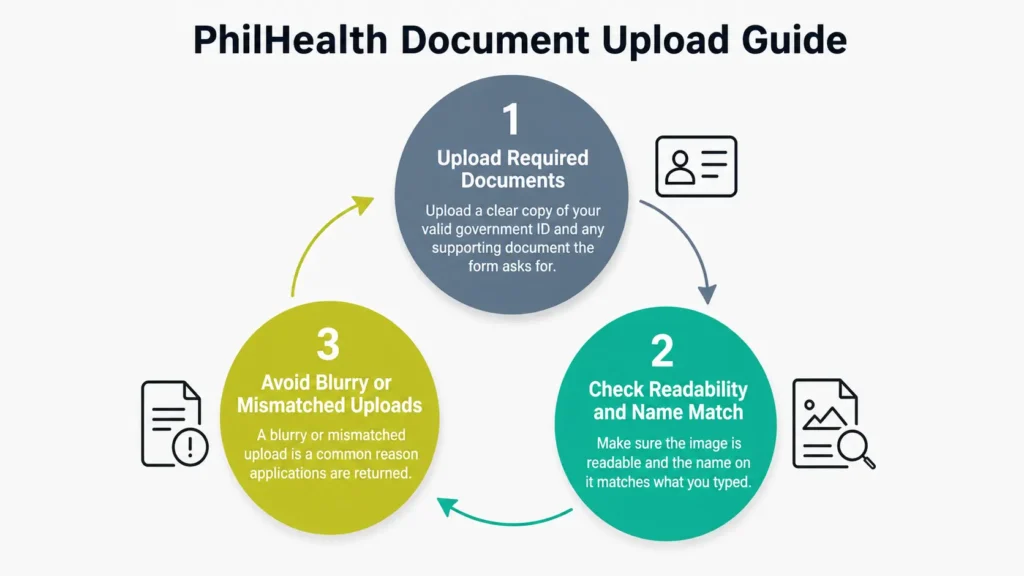
Step 3: Upload Your Supporting Document
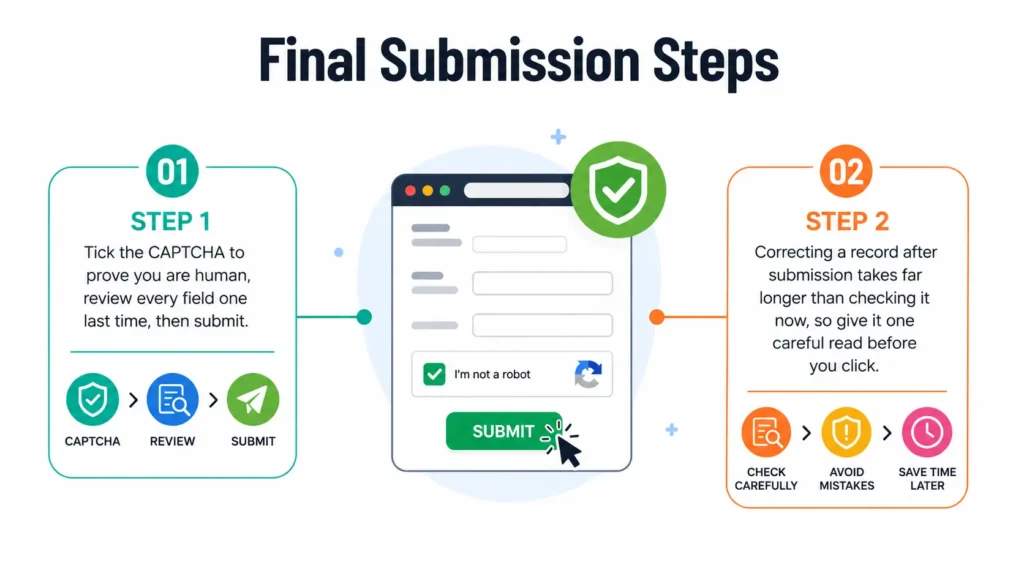
Step 4: Complete the CAPTCHA and Submit
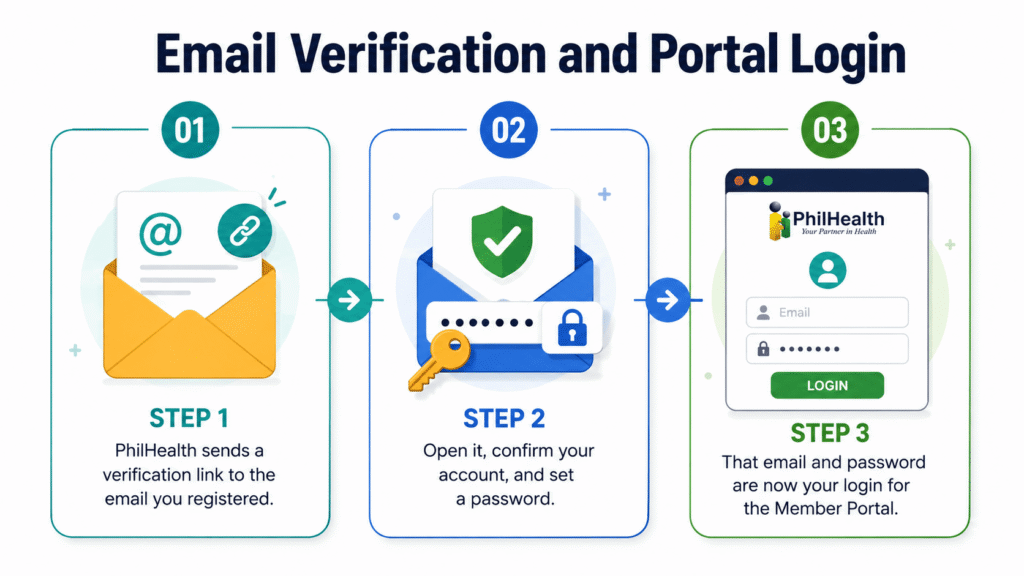
Step 5: Verify Your Email and Set Your Password
Pro tip
The moment your number appears on screen, screenshot it and email it to yourself. Your PhilHealth Identification Number is permanent and you will need it for the rest of your life, so do not rely on memory.
How to Get Your PhilHealth Number Online (for New Members)
For a brand new member, how to get your PhilHealth number online is simple: you receive it at the end of registration. When you finish the PMRF and verify your email, the system issues your PhilHealth Identification Number, a permanent 12 digit number that identifies you for life. It never changes, even if you switch employers or move abroad.
That number is the thing that actually matters. The card can be reprinted and your account can be reset, but the number is you inside the PhilHealth system. Save it in more than one place. Once you have it, your Member Data Record is generated automatically and you can print it the same day.
If the system does not display your number clearly at the end, log in to the Member Portal and it will appear on your dashboard and on your MDR. If you are an existing member who simply forgot the number, the next section is for you.
How to Check, Know or Verify Your PhilHealth Number (If You Already Have One)
A huge number of people are not registering for the first time at all. They already have a PhilHealth number and just cannot find it. Here is every reliable way to check, know and verify your PhilHealth number, from fastest to last resort.
Check Your Number in the Member Portal
The fastest method. Log in at memberinquiry.philhealth.gov.ph with your registered email or existing PIN and password. Your PhilHealth number appears on your dashboard and on your Member Data Record.
This is how to check your PhilHealth number online in under a minute, and it is also how to know your PhilHealth number for good, because you can save the MDR as a PDF.
How to Check Your PhilHealth Number Using Your Name
Searching how to check philhealth number using name is common, so here is the honest answer. PhilHealth does not allow a public lookup by name online, because handing out membership numbers to anyone who types a name would be a privacy problem. You can, however, verify by name in person at a Local Health Insurance Office when you present a valid government ID. Bring the ID and the branch can find your record.
Verify That Your PhilHealth Number Is Active and Correct
Knowing the number is one thing. Confirming it is active is another. To verify your PhilHealth number, log in and check the membership status field on your MDR, and confirm your recent contributions are posting.
If the status looks wrong or your name is misspelled, that is the time to file a correction, not to register a second time. A duplicate record splits your contribution history and causes denied claims later.
Other Ways to Find or Track Your Number: HR, Payslip and Hotline
If you cannot log in either, you still have options. Your PhilHealth number is printed on your Member Data Record, on payslips from any employer who deducted premiums, and on any previous PhilHealth ID. Your HR department keeps it on file for remittance.
And you can call the PhilHealth hotline with a valid ID ready, which is the reliable philhealth number finder when everything else fails. Be cautious of third party sites promising to track or search your PhilHealth number instantly, because a legitimate lookup only happens on philhealth.gov.ph or at a branch.
How to Create Your PhilHealth Online Account (Portal Activation)
Getting a number and having an online account are two different things. Some members have a PhilHealth number from an old employer but have never set up portal access. Here is how to create your PhilHealth account online so you can manage everything yourself.
- Go to the Member Portal registration page and choose to create an account
- Enter your existing PhilHealth Identification Number and personal details so the system can match your record
- Provide your email address and submit
- Open the verification link PhilHealth emails you and set a password
- Log in with your new email and password
Once your account is active, you can view your MDR, check contributions and update your details. For the full walkthrough of signing in and fixing login problems, see our guide to PhilHealth login.
What Happens After You Register? Timeline and Next Steps
You submitted the form. Now what? For most members, the number is issued immediately and the account is usable as soon as you verify your email. Here is the realistic sequence.
- Right away: your PhilHealth Identification Number is issued and shown on screen
- Within minutes: the verification email arrives, so check your inbox and spam folder
- Same day: after verifying, you can log in and print your Member Data Record
- Ongoing: once you or your employer start paying premiums, contributions appear in your record after a few weeks
Action required
Do not wait for a hospital emergency to find out your record is incomplete. Log in, print your MDR, and confirm your name and details are correct while it is a five minute task. If you need the physical card, see our PhilHealth ID guide.
Online vs Branch Registration: Which Should You Use?
Online registration suits most people, but not every situation. Here is a quick comparison so you pick the right path the first time.
| Situation | Best option | Why |
|---|---|---|
| New member, details straightforward | Online (eRegister) | Fastest, free, number issued immediately |
| Name correction or record dispute | Branch | Corrections are handled cleanly in person |
| Complicated employer history | Branch or via employer HR | Staff can reconcile the record |
| You just need your existing number | Member Portal | No re-registration needed, just log in |
| No stable internet or ID on hand | Branch | Walk in with your documents |
When in doubt, start online. If the system rejects your details, that is your signal to visit a branch with your birth certificate and a valid ID.
Common PhilHealth Registration Problems and Fixes
Most registration failures have a simple cause. Work through these before giving up.
| Problem | Likely cause | Fix |
|---|---|---|
| Details do not match | Name spelling differs from your birth certificate | Retype exactly, or file a correction at a branch |
| No verification email | Wrong email or it landed in spam | Check spam first, then request a new link |
| Upload keeps failing | File too large or unclear | Use a smaller, clear image of a valid ID |
| Site will not load | Heavy traffic at month end | Try early morning on a weekday |
| Says you already exist | You registered before | Do not register again, recover your number instead |
Never register twice. If the system says a record already exists, you already have a PhilHealth number. Recover it using the check-your-number section above. A second registration creates a duplicate that takes months to merge and can block a claim at the worst time.
PhilHealth ID After Registration
Once you are registered and have your number, you can get your PhilHealth ID. Many people search philhealth id online or philhealth id online registration expecting a card to arrive from a website, but the physical member ID is claimed at a branch, while a digital member ID can be printed from your online account. For the full process, requirements, ID size and validity, see our complete guide to the PhilHealth ID.